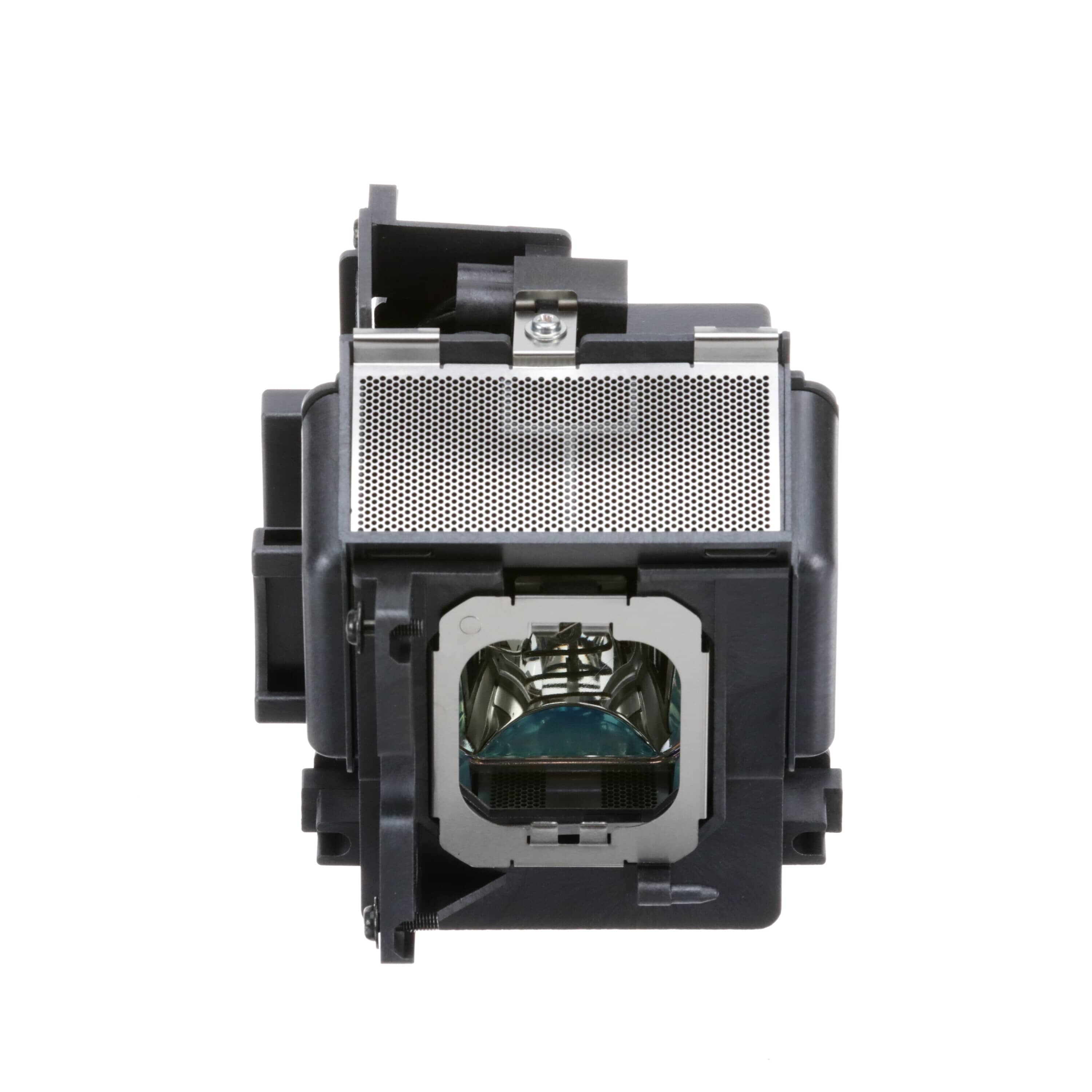
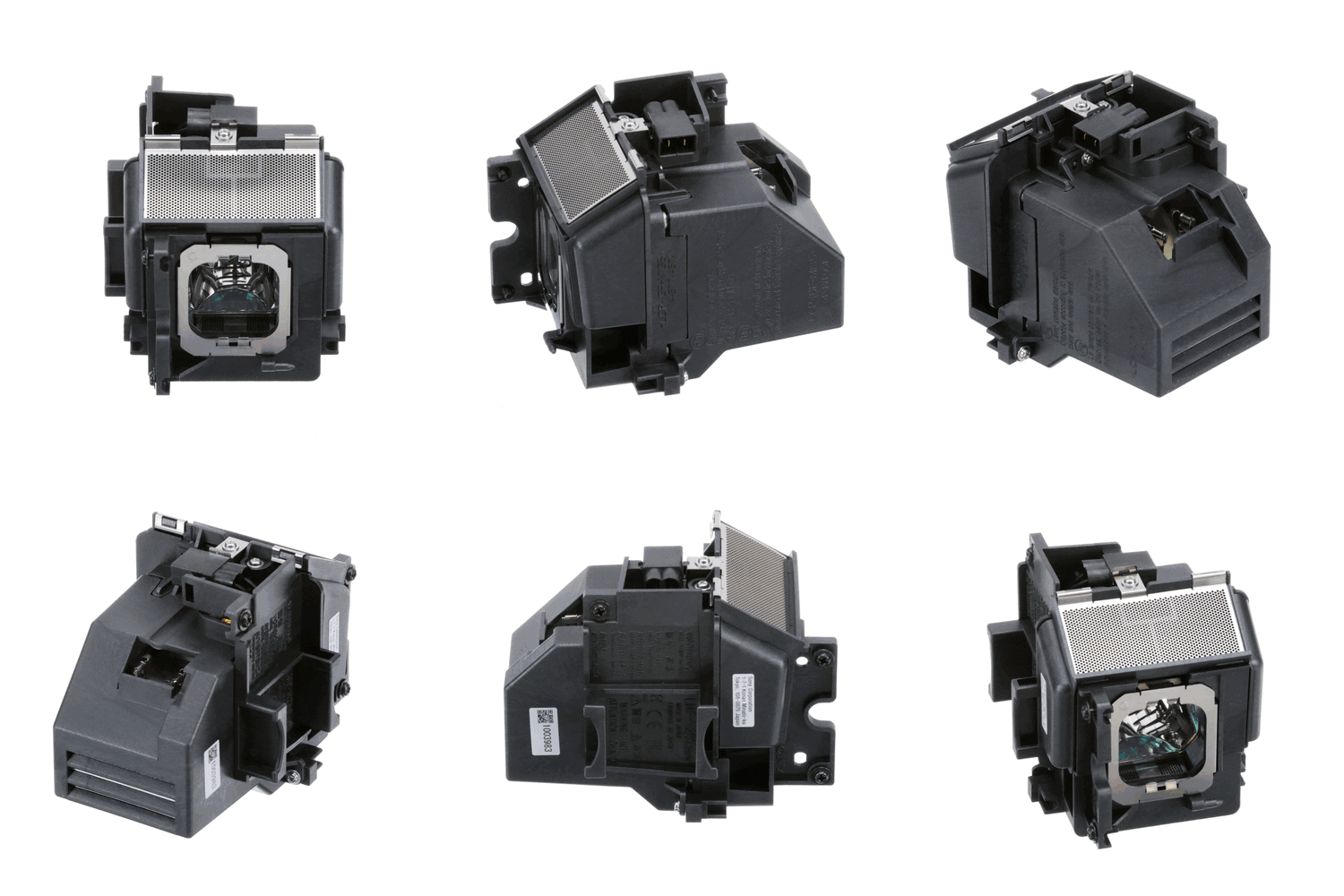
Sony Projector Lamp - LMPH280
Sony
Part Number : LMPH280
The Sony Projector Lamp - LMPH280 is a genuine OEM replacement part designed to provide optimal performance for your home projector. This lamp is essential for delivering bright and vivid images, ensuring ...
Does this part fit my model?
Find if this part fits your appliance
Does this part fit my model?
No, This Part Does Not Fits in This Model
The Sony Projector Lamp - LMPH280 is a genuine OEM replacement part designed to provide optimal performance for your home projector. This lamp is essential for delivering bright and vivid images, ensuring a high-quality viewing experience.
A failing projector lamp may result in dim or flickering images, affecting your ability to enjoy presentations or movies. Users may also notice color distortions or a complete lack of projection, significantly impacting the usability of the projector.
This replacement lamp is intended to replace an old or worn-out projector lamp, restoring functionality and picture quality. Typically located within the projector housing, it is vital for compatible projector models to operate effectively, allowing for a seamless visual experience.
Common Problems This Sony Projector Lamp - LMPH280 Helps Fix:
- Dim or faded images that compromise viewing quality.
- Flickering or unstable projection that interrupts presentations.
- Color distortions affecting the overall visual output.
- Frequent lamp replacements needed due to lamp failure.
- No image projection when the lamp is burnt out.
- Increased operational noise from a failing lamp.
DIY Installation – Sony Projector Lamp - LMPH280
-
Safety:
Before starting, ensure the projector is unplugged from the power source to avoid any electrical hazards. Allow the device to cool down if it has been in use.
-
Remove the Existing Part:
Access the projector lamp compartment, usually located at the bottom or side of the projector. Carefully detach any screws or latches securing the old lamp.
-
Install the Replacement:
Position the new Sony Projector Lamp - LMPH280 into the lamp compartment, ensuring it aligns correctly with the connector. Secure it in place with the previously removed screws or latches.
-
Test the Installation:
Reassemble any covers or panels, plug the projector back in, and power it on. Check for proper image projection to confirm successful installation.
Why Order From Us?
Experience the best service when you order your replacement parts from us.
- Genuine OEM replacement parts from Sony.
- Fast and secure shipping.
- Hassle-free returns within 30 days of purchase.
- Free replacement for defective or damaged items, according to the seller's stated policy.
- Dedicated customer support for assistance with the purchase and return process.