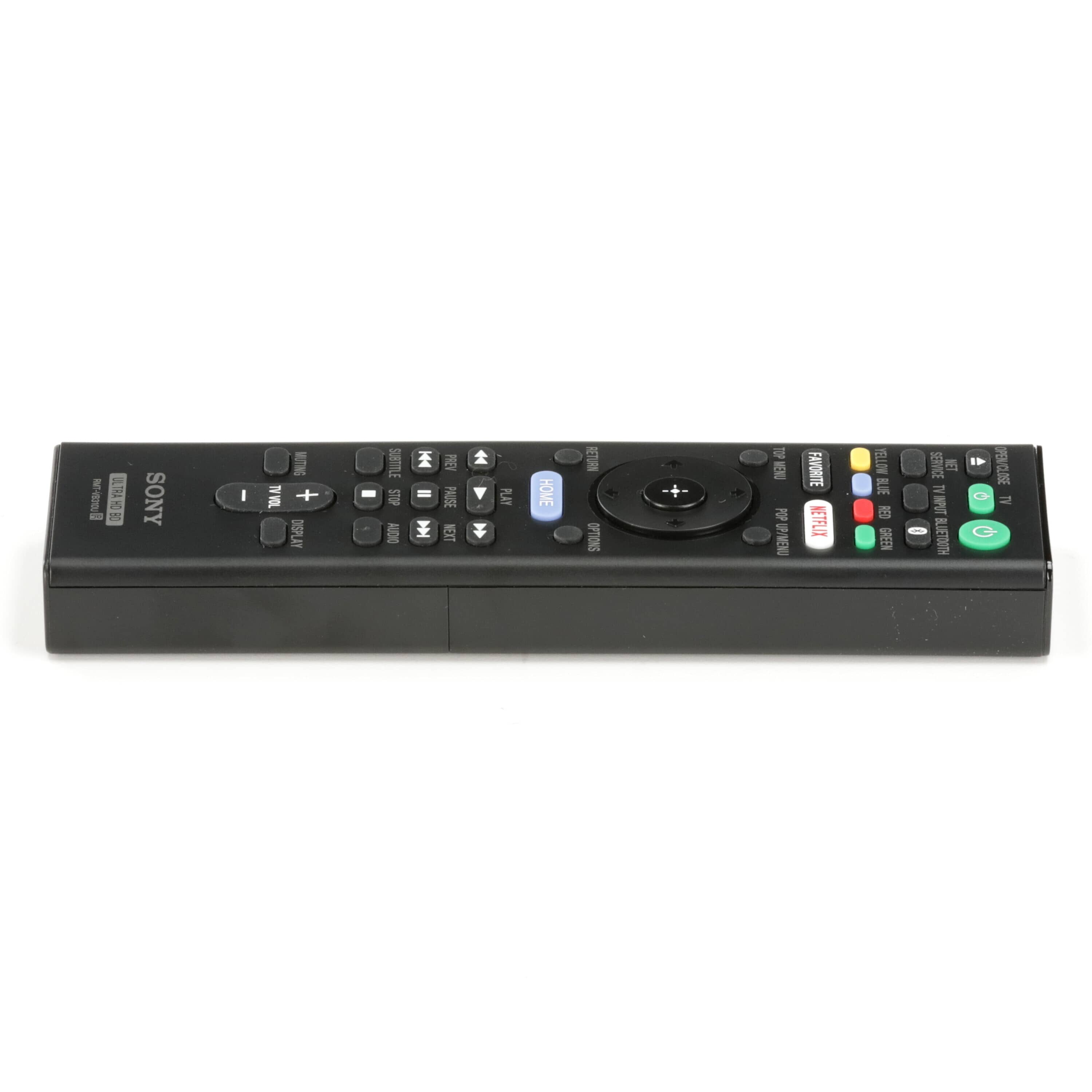
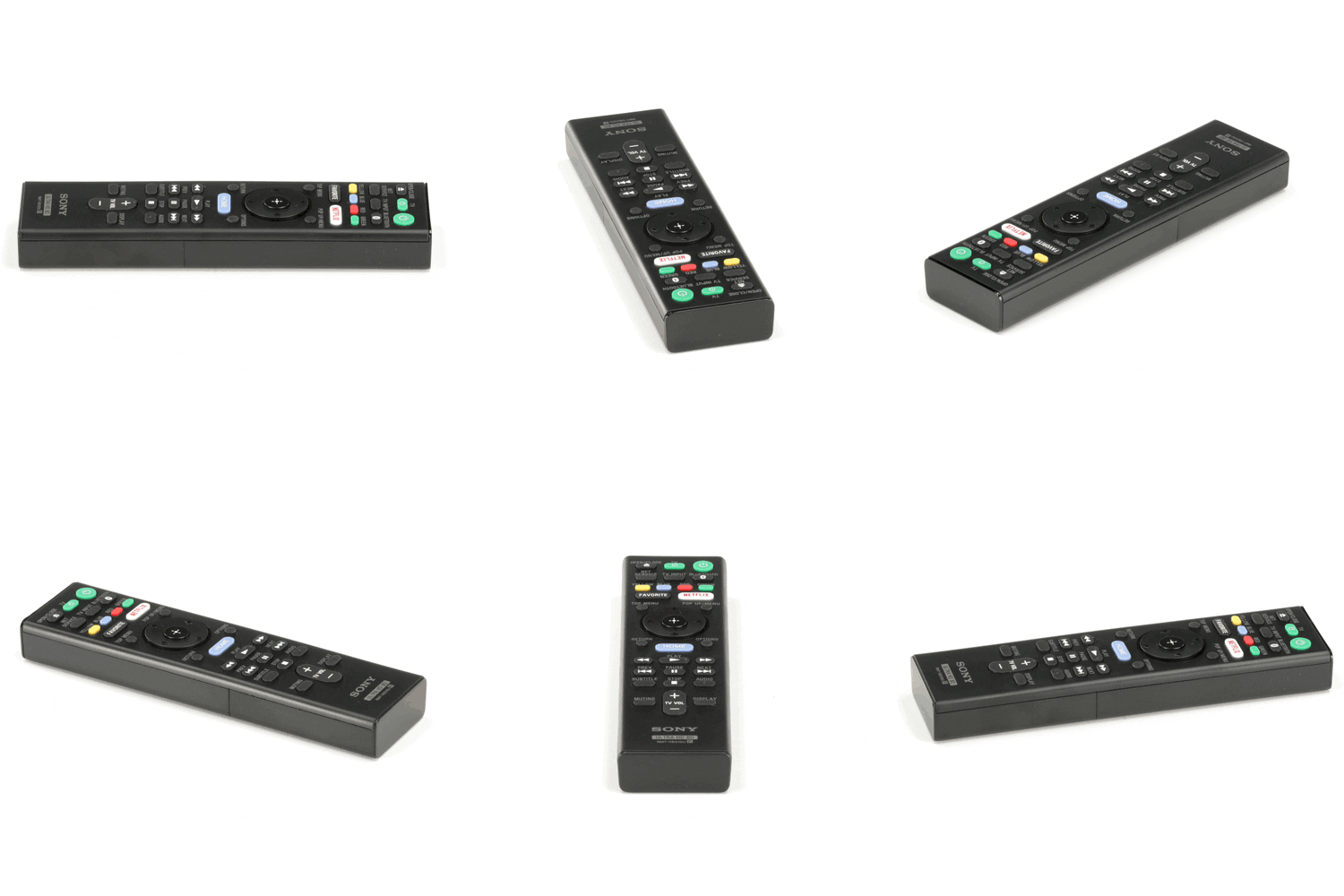
Sony Blu-ray Player Remote Control RMT-VB310U - 1-493-284-11
Sony
Part Number : 1-493-284-11
The Sony Blu-ray Player Remote Control RMT-VB310U - 1-493-284-11 is a genuine OEM replacement part for Sony Blu-ray players. This remote control is essential for providing easy access to all the functionalit...
Does this part fit my model?
Find if this part fits your appliance
Does this part fit my model?
No, This Part Does Not Fits in This Model
The Sony Blu-ray Player Remote Control RMT-VB310U - 1-493-284-11 is a genuine OEM replacement part for Sony Blu-ray players. This remote control is essential for providing easy access to all the functionalities of your Blu-ray player.
When a remote control is malfunctioning, it can lead to difficulties in navigating menus, adjusting settings, or playing media. A defective remote can significantly hamper your ability to fully enjoy your Blu-ray collection.
This replacement remote control is designed to replace your existing one, ensuring you maintain convenient control over your Blu-ray player. Verify compatibility with your specific model to ensure optimal performance.
Common Problems This Sony Blu-ray Player Remote Control RMT-VB310U - 1-493-284-11 Helps Fix:
- The remote control does not respond at all to button presses.
- Specific buttons are stuck or fail to work as intended.
- The remote has been lost or irreparably damaged.
- The effective range of the remote is significantly limited.
- The remote frequently loses connection with the Blu-ray player.
- The battery compartment is faulty, preventing proper battery installation.
DIY Installation – Sony Blu-ray Player Remote Control RMT-VB310U - 1-493-284-11
-
Safety:
Ensure your Blu-ray player is powered off before using or replacing the remote control. Remove any old batteries from the existing remote.
-
Remove the Existing Part:
If applicable, dispose of your old remote control properly. Ensure any old batteries are removed and recycled as necessary.
-
Install the Replacement:
Insert batteries into the new Sony Blu-ray Player Remote Control RMT-VB310U - 1-493-284-11, following the polarity markings. Ensure the remote is ready to use.
-
Test the Installation:
Power on your Blu-ray player and test the new remote to ensure all buttons work correctly and it communicates with the player.
Why Order From Us?
Order with confidence knowing you are getting high-quality products.
- Genuine OEM replacement parts from Sony.
- Fast and secure shipping.
- Hassle-free returns within 30 days of purchase.
- Free replacement for defective or damaged items, according to the seller's stated policy.
- Dedicated customer support for assistance with the purchase and return process.