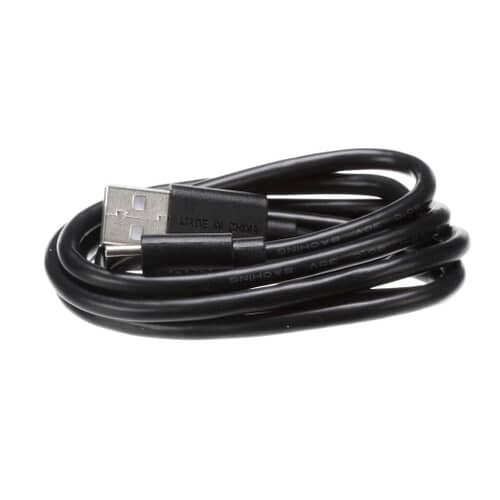
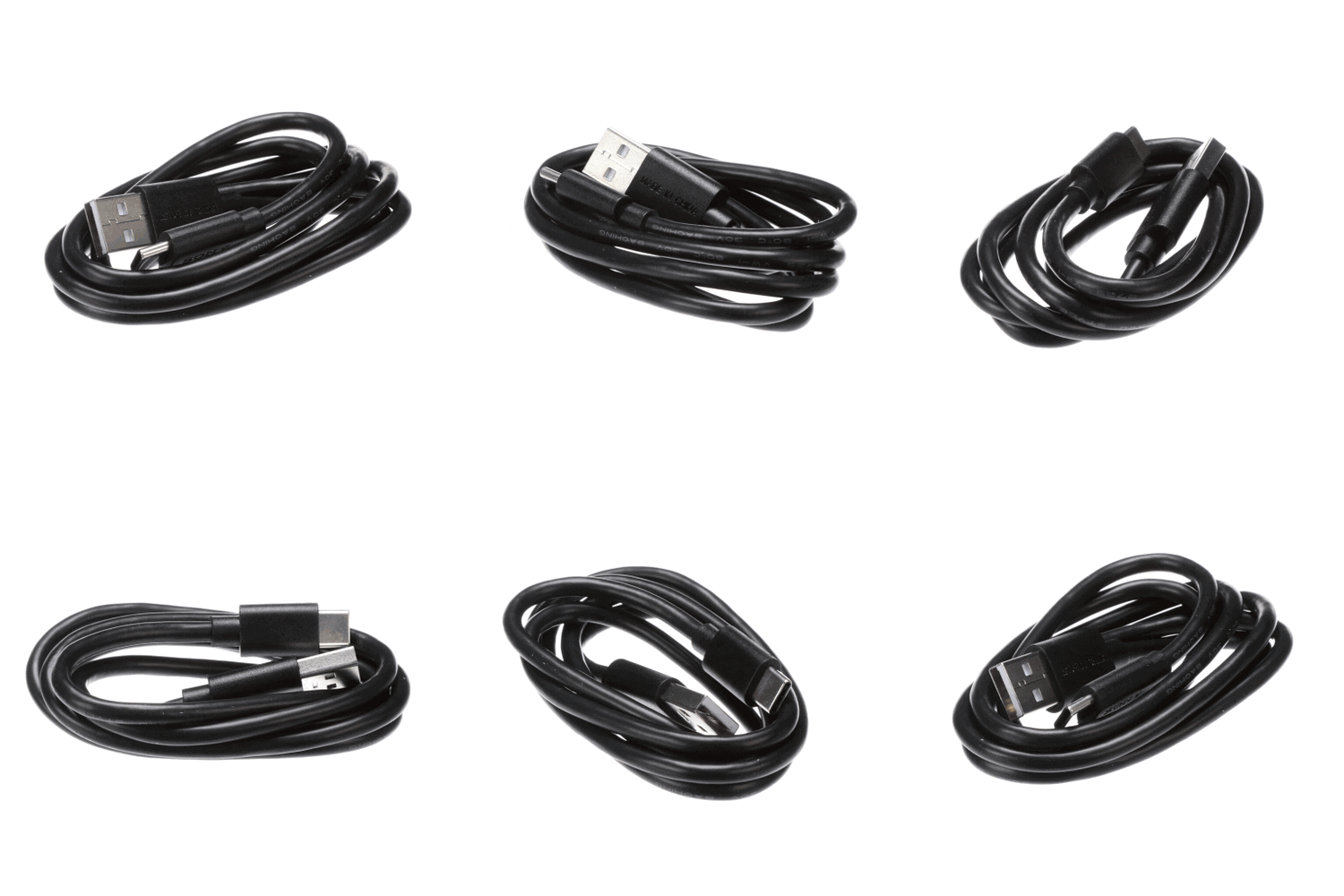
Sony Wireless Neckband Speaker USB Type-C Cable - 9-301-008-62
Sony
Part Number : 9-301-008-62
The Sony USB Type-C Cable - 9-301-008-62 is a high-quality cable designed for reliable connectivity with various devices. This genuine OEM replacement part is essential for transferring data and charging you...
Does this part fit my model?
Find if this part fits your appliance
Does this part fit my model?
No, This Part Does Not Fits in This Model
The Sony USB Type-C Cable - 9-301-008-62 is a high-quality cable designed for reliable connectivity with various devices. This genuine OEM replacement part is essential for transferring data and charging your compatible Sony products.
A malfunctioning USB Type-C cable can lead to slow charging, data transfer failures, or unreliable connections. These issues can significantly disrupt your workflow and hinder the performance of your devices.
This cable is intended to replace a damaged or lost unit, ensuring stable connections. Perfect for a variety of applications, it is compatible with several Sony devices, enhancing usability and efficiency.
Common Problems This Sony USB Type-C Cable - 9-301-008-62 Helps Fix:
- Inconsistent charging, causing devices to lose power unexpectedly.
- Slow data transfer rates, impacting file transfers and syncing.
- Frequent disconnections during use, leading to frustration.
- Physical damage or fraying of the cable affecting performance.
- Incompatibility issues with certain devices, hindering usability.
- Overheating during charging, indicating potential cable failure.
DIY Installation – Sony USB Type-C Cable - 9-301-008-62
-
Safety:
Before connecting or replacing the cable, ensure the devices are powered off to prevent any electrical issues.
-
Remove the Existing Part:
Disconnect the old USB Type-C cable from both devices gently to avoid damaging the ports.
-
Install the Replacement:
Plug the new Sony USB Type-C Cable into the appropriate ports of your devices, ensuring a secure fit.
-
Test the Installation:
Power on your devices and check for successful charging and data transfer to confirm proper installation.
Why Order From Us?
We are committed to providing you with quality products.
- Genuine OEM replacement parts from Sony.
- Fast and secure shipping.
- Hassle-free returns within 30 days of purchase.
- Free replacement for defective or damaged items, according to the seller's stated policy.
- Dedicated customer support for assistance with the purchase and return process.