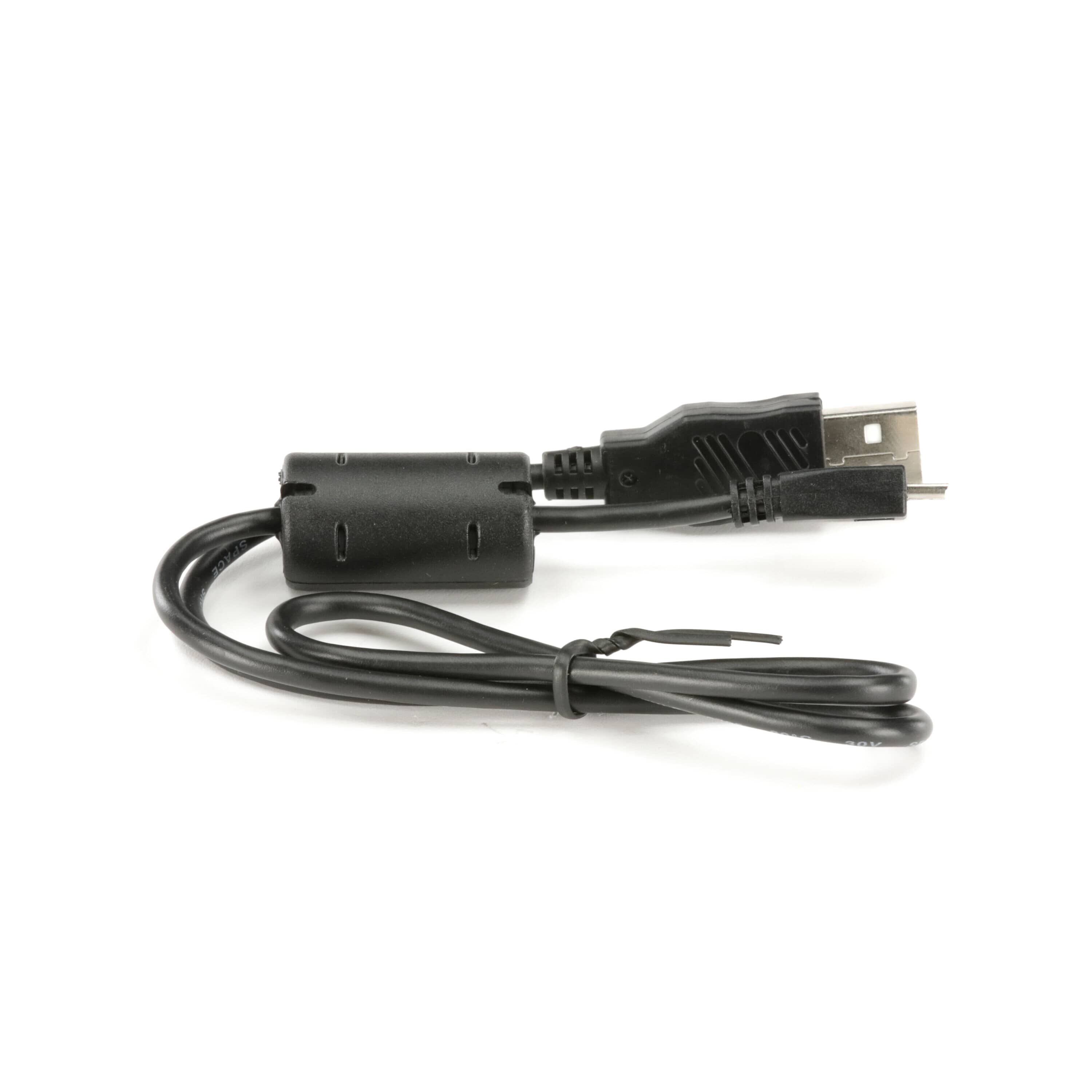
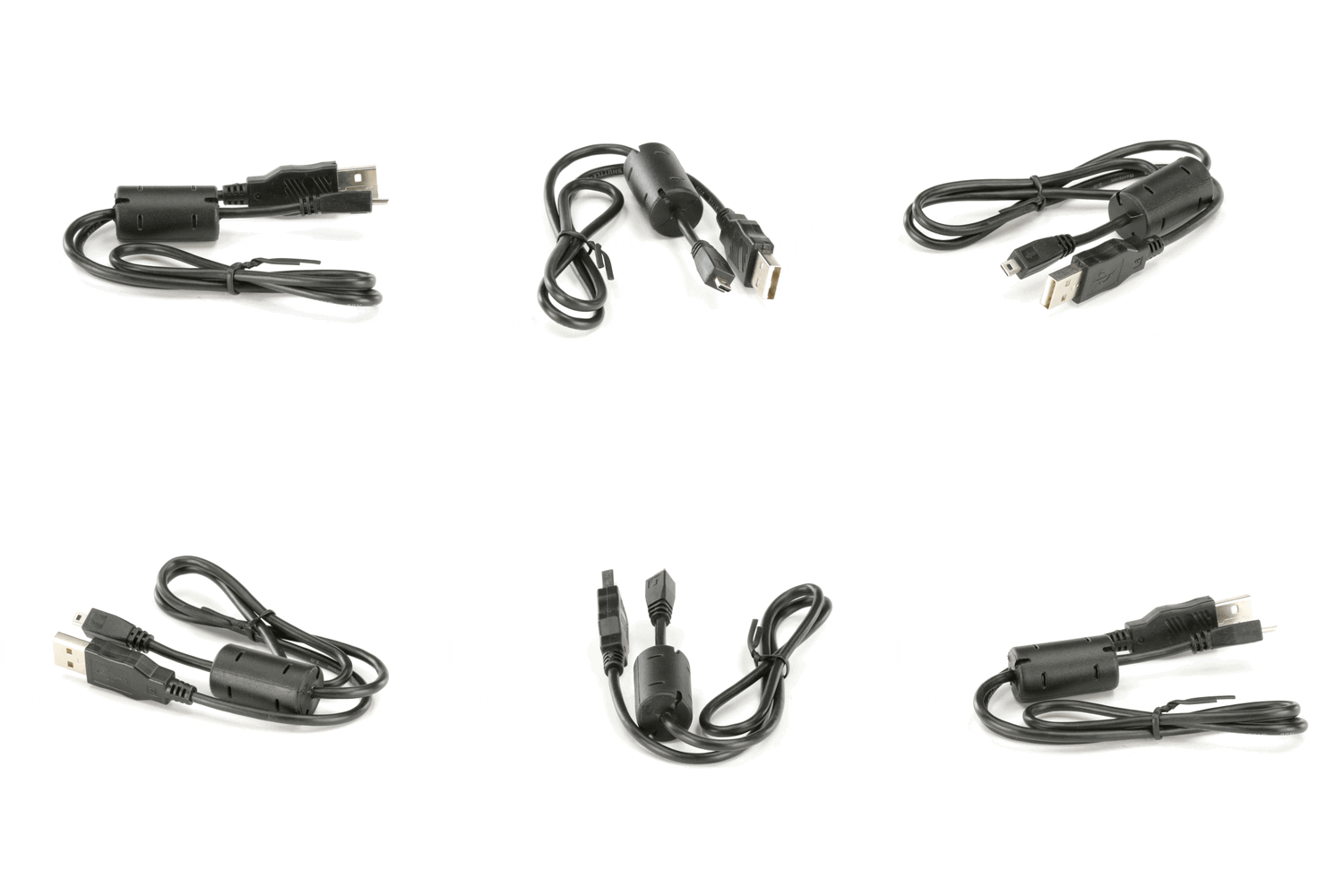
Sony Camera USB Connection Cable - 1-837-783-31
Sony
Part Number : 1-837-783-31
The Sony Camera USB Connection Cable - 1-837-783-31 is a genuine OEM replacement part designed to provide a reliable connection between your camera and other devices. This cable is essential for transferri...
Does this part fit my model?
Find if this part fits your appliance
Does this part fit my model?
No, This Part Does Not Fits in This Model
The Sony Camera USB Connection Cable - 1-837-783-31 is a genuine OEM replacement part designed to provide a reliable connection between your camera and other devices. This cable is essential for transferring images and videos from your camera to a computer or other media.
A damaged or malfunctioning USB connection cable can result in slow data transfer or complete failure to connect. This can hinder your ability to quickly and efficiently upload your photos and videos for editing or sharing.
This replacement USB cable is intended to replace a faulty cable, ensuring that you can maintain a seamless connection for data transfer. It is crucial for users who frequently upload content from their cameras.
Common Problems This Sony Camera USB Connection Cable - 1-837-783-31 Helps Fix:
- Inability to transfer files between the camera and other devices.
- Slow or interrupted data transfer causing incomplete uploads.
- Physical damage to the cable affecting connectivity.
- Poor connection leading to error messages during file transfer.
- Frequent disconnections disrupting workflow.
- Incompatibility with certain devices due to wear or damage.
DIY Installation – Sony Camera USB Connection Cable - 1-837-783-31
-
Safety:
Ensure your camera is powered off before connecting or disconnecting the USB cable to prevent any electrical issues.
-
Remove the Existing Part:
Detach the old USB connection cable from both the camera and the computer or device it was connected to.
-
Install the Replacement:
Connect the new USB cable to the designated port on your camera and the other end to your computer or device.
-
Test the Installation:
Power on your camera, and check the connection by attempting to transfer files to ensure the cable functions correctly.
Why Order From Us?
When you choose to purchase from us, you can expect the following benefits:
- Genuine OEM replacement parts from Sony.
- Fast and secure shipping.
- Hassle-free returns within 30 days of purchase.
- Free replacement for defective or damaged items, according to the seller's stated policy.
- Dedicated customer support for assistance with the purchase and return process.